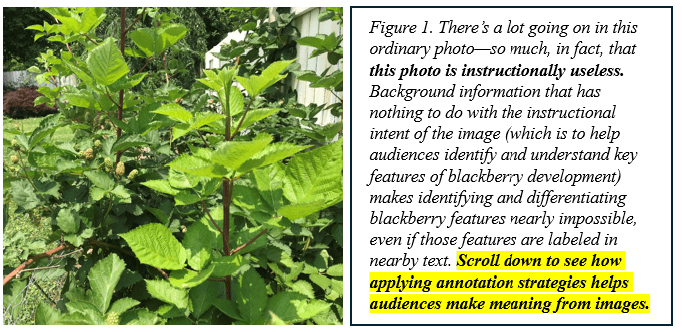
When we’re familiar with a visual image—its significance, its relevance to the topic at hand, and the vocabulary that expresses each of its components—it’s tempting to think our audience can look at the image and intuit all that knowledge. After all, isn’t it right there for everyone to see?
Technically, yes.
The thing is, it’s not seeing that we’re trying to drive. In instructional settings, it’s identifying, understanding, and connecting what is seen to a specific domain for a specific purpose that we’re trying to drive.
And doing that requires us to apply the following strategies.
- Source or create an instructionally relevant image. In other words, we need to start with what we want to show and then identify an image that shows it—not, as so often happens, the other way around.
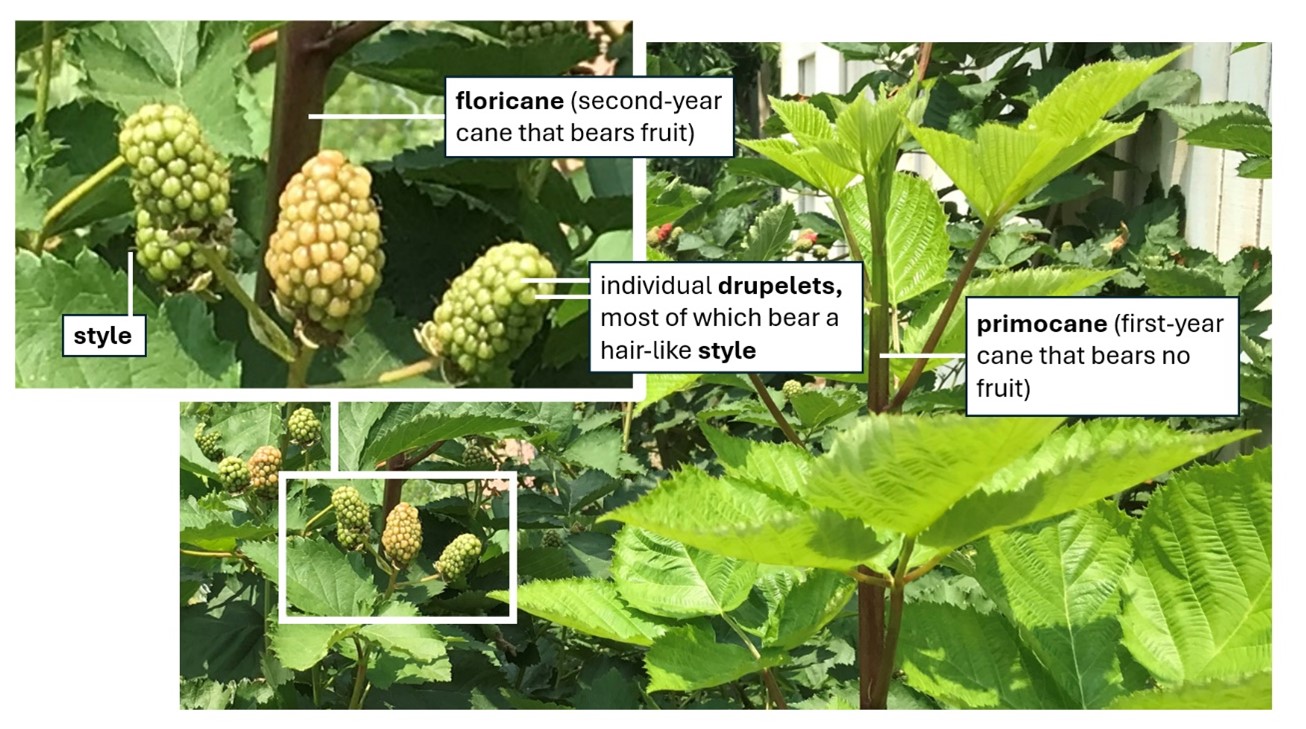
- Remove any extraneous elements from the image. Extraneous elements distract and confuse. If we’re using a photo, we can try re-shooting, cropping, or clipping away extraneous elements. For illustrations or icons, cropping, clipping, deleting, or recoloring can do the trick.
- Magnify or “blow up” cropped portions of the image for emphasis and readability. Audiences instinctively interpret large shapes as being more important than small ones. Bonus: audiences can see large shapes better, too.
- Add on-image callouts and a caption that includes a title, a unique identifier (such as “Figure 3” or “Table 2”), and explanatory notes. Adding the explanatory text that audiences need to make meaning right on the image, at point of need, increases the chance they’ll see it, make the necessary connections, and recall it (as opposed to requiring audiences to flip or click somewhere else for assistance in interpreting what they’re seeing, which exacts a much higher cognitive load).
- Position the image close to relevant text. If the image is part of a larger work such as a printed document or a section of website copy, positioning the image near the text that describes and explains the image in details allows audiences’ eyes to flick back and forth quickly, which reinforces visual understanding. (The educators among us may know this strategy by the fancy term contiguity principle.)
- Refer to the uniquely identified image from within relevant text. Including a parenthetical such as “(as shown in Figure XYZ below)” in a text-based discussion of the image saves audiences time and reduces confusion by enabling audiences to locate and refer to the correct image efficiently.
What’s YOUR take?
Do you source your own instructional images, or create them? What kind of annotations do you routinely add? Does your audience find those annotations useful in making meaning (and if so, how do you know)? Please consider leaving a comment and sharing your hard-won experience with the learning community.
 Moore Thinking
Leave a comment